
Availability that reflects reality
Map working hours, service durations, buffers, resource capacity and exceptions. Define how cancellations and changes release availability, and how conflicting requests should be handled.
TWD Digital Systems · New Zealand · Est. 2009
A simpler booking journey. A clearer working day.
We design booking and scheduling systems around how your business actually runs. Whether you manage practitioner appointments, consultations or equipment hire, the aim is to connect the customer’s booking with the people, resources and next steps behind it.
Start with the right fit
A standard booking tool can be the right choice for straightforward appointments. A bespoke approach becomes worth discussing when bookings depend on specialist resources, approval steps or rules that your current software cannot comfortably support.
What we plan together
Map working hours, service durations, buffers, resource capacity and exceptions. Define how cancellations and changes release availability, and how conflicting requests should be handled.
Plan confirmations, reminders, intake details and deposit requirements. Keep the information a visitor must supply proportionate to the booking, with clear cancellation terms before they commit.
Discuss how appointments connect to client records, preparation tasks and follow-ups. Assess your existing calendar, payment and accounting tools before agreeing which connections are practical.
We work across Natural Healthcare, Construction, Real Estate, Professional Services, Consulting and Coaching. Your process, people and responsibilities shape the solution.
A practical starting point
Here’s what a connected booking journey could look like. We’d work through the details together to suit your business.
A customer selects a service and an available time.
The system collects the agreed intake details and any required deposit.
A confirmed booking creates the relevant calendar entry and customer record.
Reminders and preparation tasks follow the agreed timing, with staff handling exceptions.
Availability, payment confirmation and booking status need to stay in step. We plan how failed payments, duplicate requests, rescheduling and external calendar outages should be handled. Reminders may help reduce missed appointments, but cannot guarantee attendance.
From our portfolio
Our portfolio includes a clinic rebuild with online bookings. It is an example of connecting a visitor-facing website to the next step in a practice’s customer journey - not a promise that every practice needs the same booking setup.
Explore our recent projects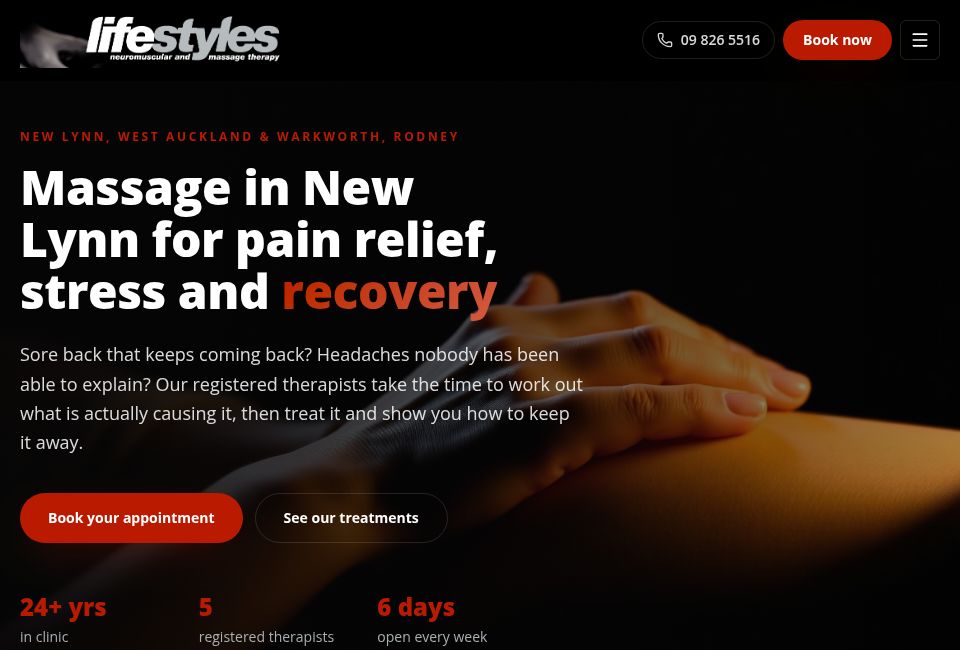
Possibly. We start by looking at what already works and where customers or staff encounter friction. The answer may be better configuration, connecting an existing tool, or building a tailored system rather than replacing everything.
We can discuss deposits and payments as part of the scope. The payment provider, refund process, cancellation terms and when a booking becomes confirmed all need agreement. Provider fees and supported payment methods depend on the service you choose.
These are useful requirements to explore. We define which resources each booking uses and what makes them available. Equipment hire may also need collection and return times, licence checks or manual approval, rather than treating it as an ordinary appointment.
That depends on the tools and the connections they support. We check the available access and decide which system owns each record so updates do not create conflicting versions.
Resource rules, payment steps, external connections and migration all affect the quote. Share your current setup and an example booking journey for a project-specific scope. Our custom software cost guide explains the main cost drivers.
We can plan self-service changes where they suit your business. Cut-off times, refunds, staff approval and how availability is released should be explicit so a convenient customer feature does not create operational confusion.
Useful reading

Your New Zealand technology partner
Jonathan Callinan has been TWD’s Founder & Managing Director since 2009. He’ll take the time to understand your business and help you work out a practical next step.
Walk Jonathan through a typical booking and one that’s tricky to manage. Tell him which tools you use, who needs to be available and how deposits or cancellations work. We’ll take it from there together.
Transparent · No Fluff · Trustworthy
About the author
Founder of TWD Digital Systems & ClientWell
Founder of ClientWell & The Wellness Directory. For over 15 years, Jonathan has been creating digital tools, directories, and systems that help clinics stay fully booked and visible online.